Posted by
Mas Catur
On
7:16 PM
This tutorial is about making a textured red background and using Photoshop's Shape Tool to add a design element. You can download the sample PSD file from the link at the bottom of the tutorial.
Click Here to Download PDF and File Package
Posted by
Mas Catur
On
5:24 PM

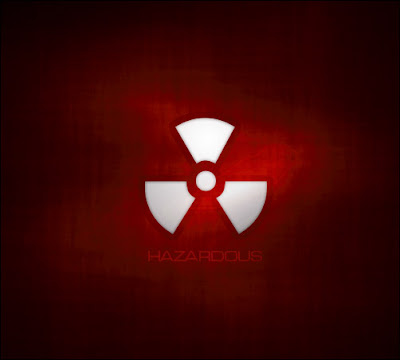
This tutorial is about making a "mac" style background. You can use these in all sorts of situations, including the obvious --your desktop-- as well as part of your designs or for corporate work (Powerpoint presentations, Flash work, etc). Naturally, you wouldn't want to use this exact set of steps, but following them will give you a good idea of the technique. Good luck!
Click Here to Download PDF and File Package
Posted by
Mas Catur
On
5:19 PM
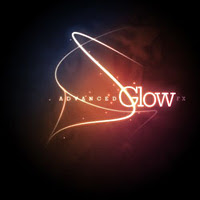
In this tutorial, we're going to create some really sharp-looking glow effects using a combination of layer styles, the Pen Tool and Color Blending. The end effect is quite stunning and hopefully you'll pick up some tips you didn't know before.
Click Here to Download PDF and File Package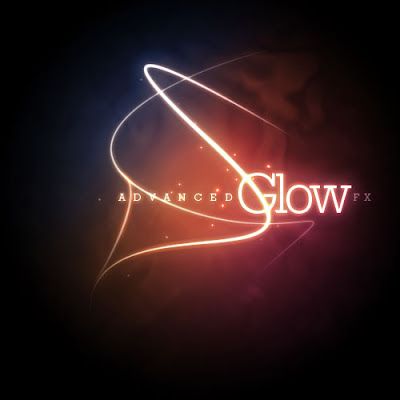
Posted by
Mas Catur
On
5:07 PM
In this tutorial, we'll recreate the Flip Effect used in the iPhone's UI using Flash CS4 and ActionScript 3.0.
Click Here to Download PDF and File Package
Let's take a look at the final result we will be working towards (click on the 'i' button):
Posted by
Mas Catur
On
5:04 PM

In this tutorial we'll create a magnifying glass effect, demonstrating use of the displacementMapFilter. The effect can be achieved in a relatively short space of time and with very little code.
Click Here to Download PDF and File Package
Posted by
Mas Catur
On
9:04 PM


